




 FOR
FOR
-Fabulous contrast and colours -Stupendous pixel response -Genuine HDR capability
AGAINST-Not a great all-purpose panel -Latency isn't a strong point -No HDMI 2.1
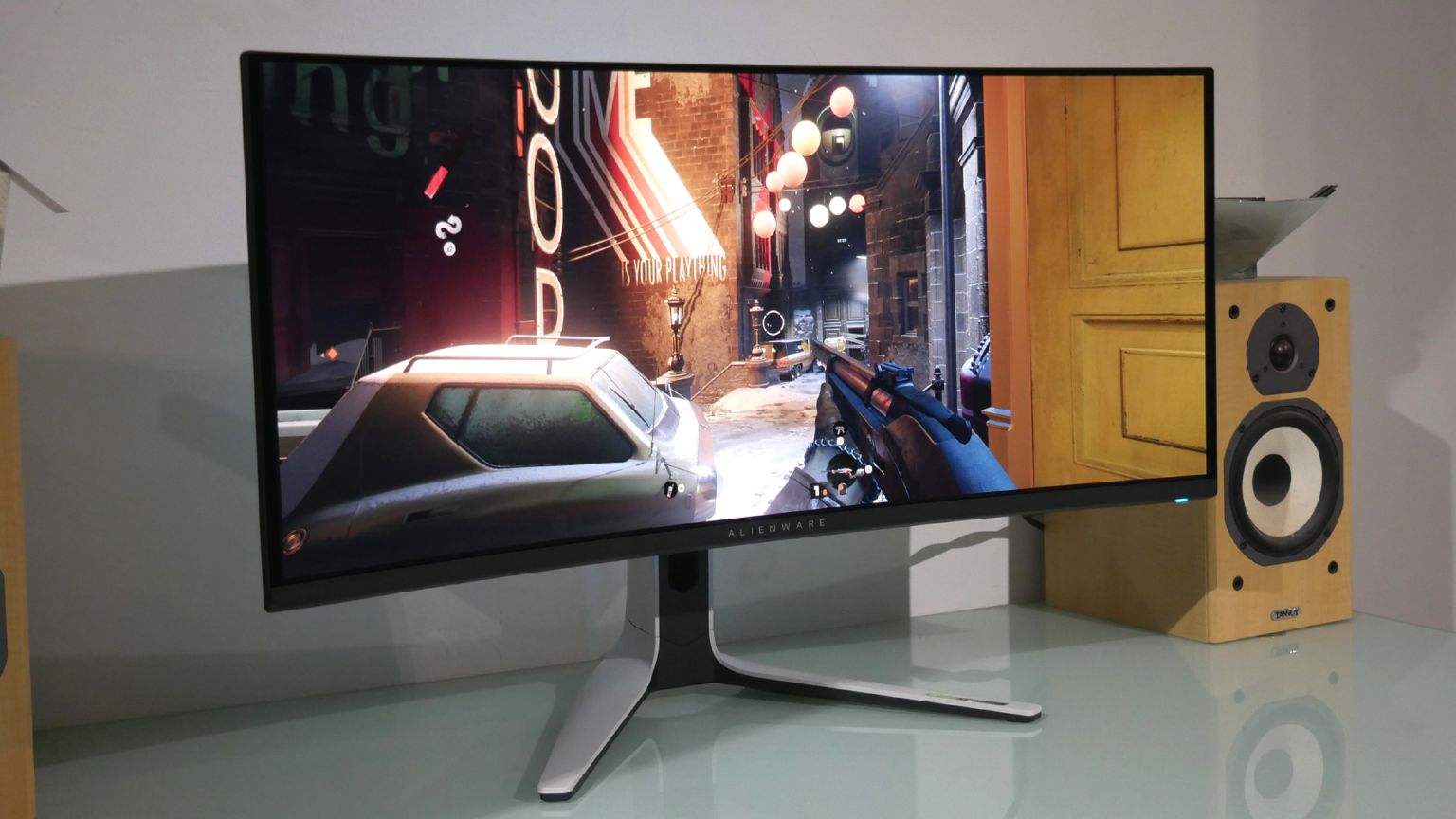
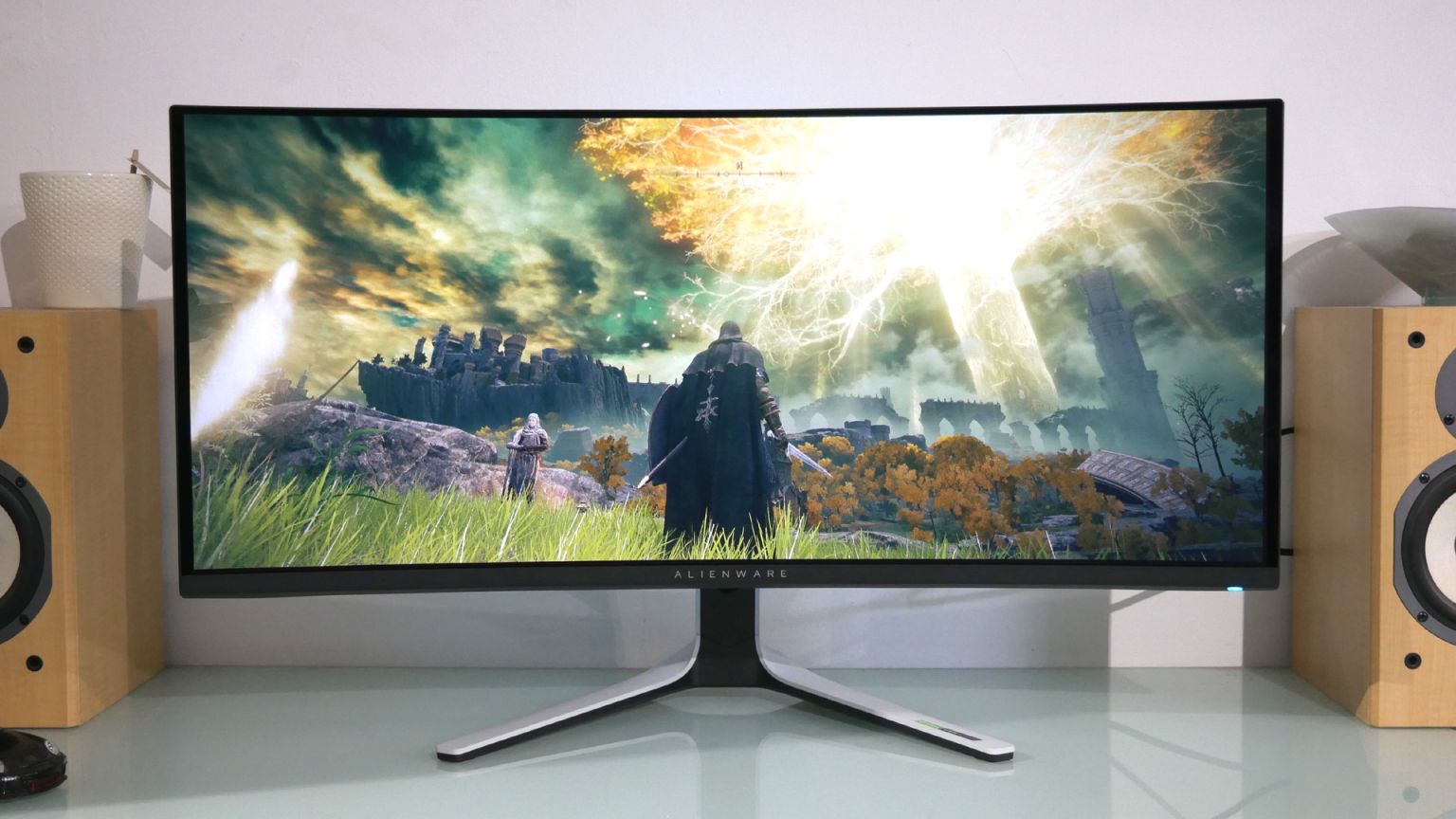
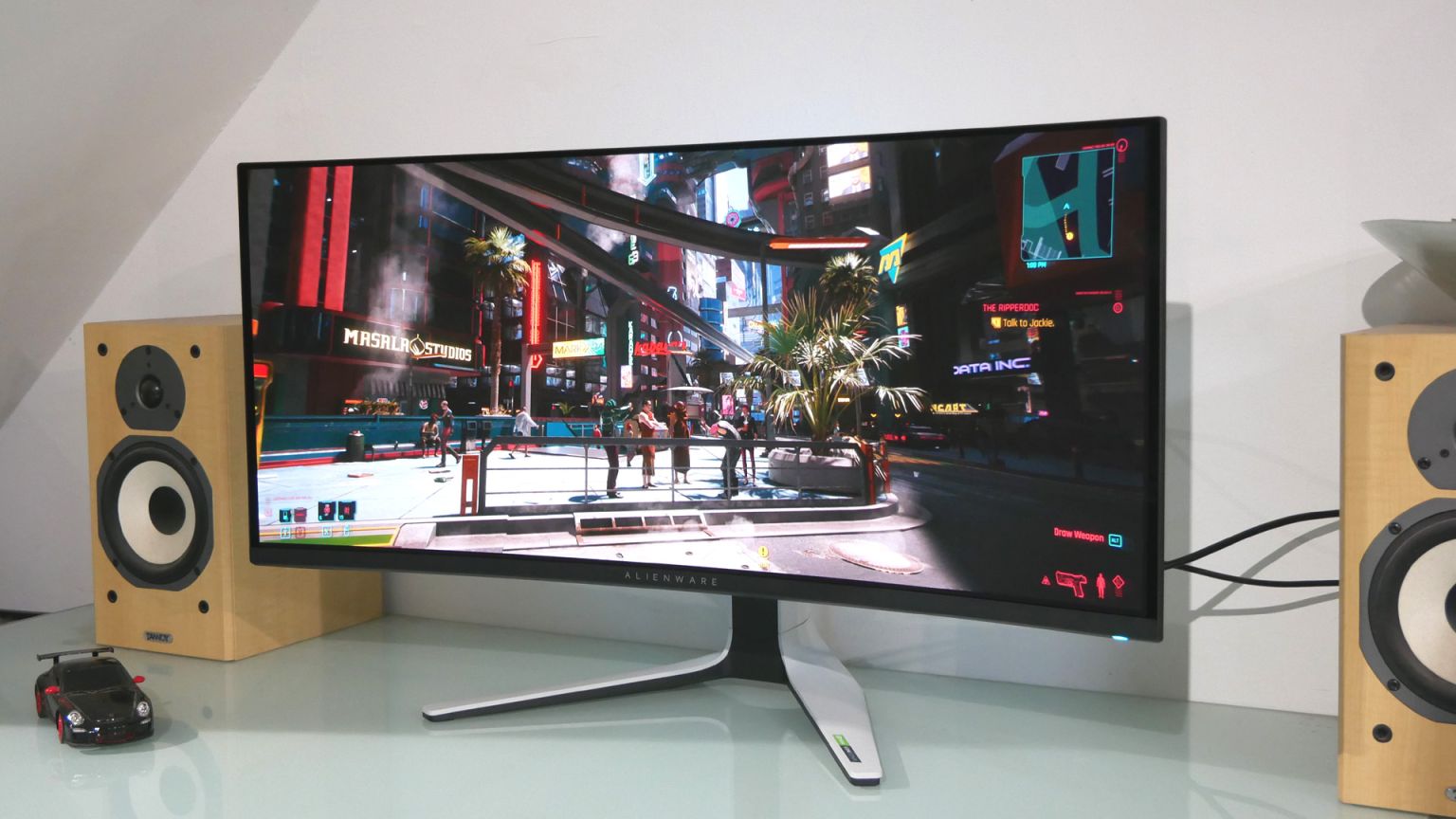
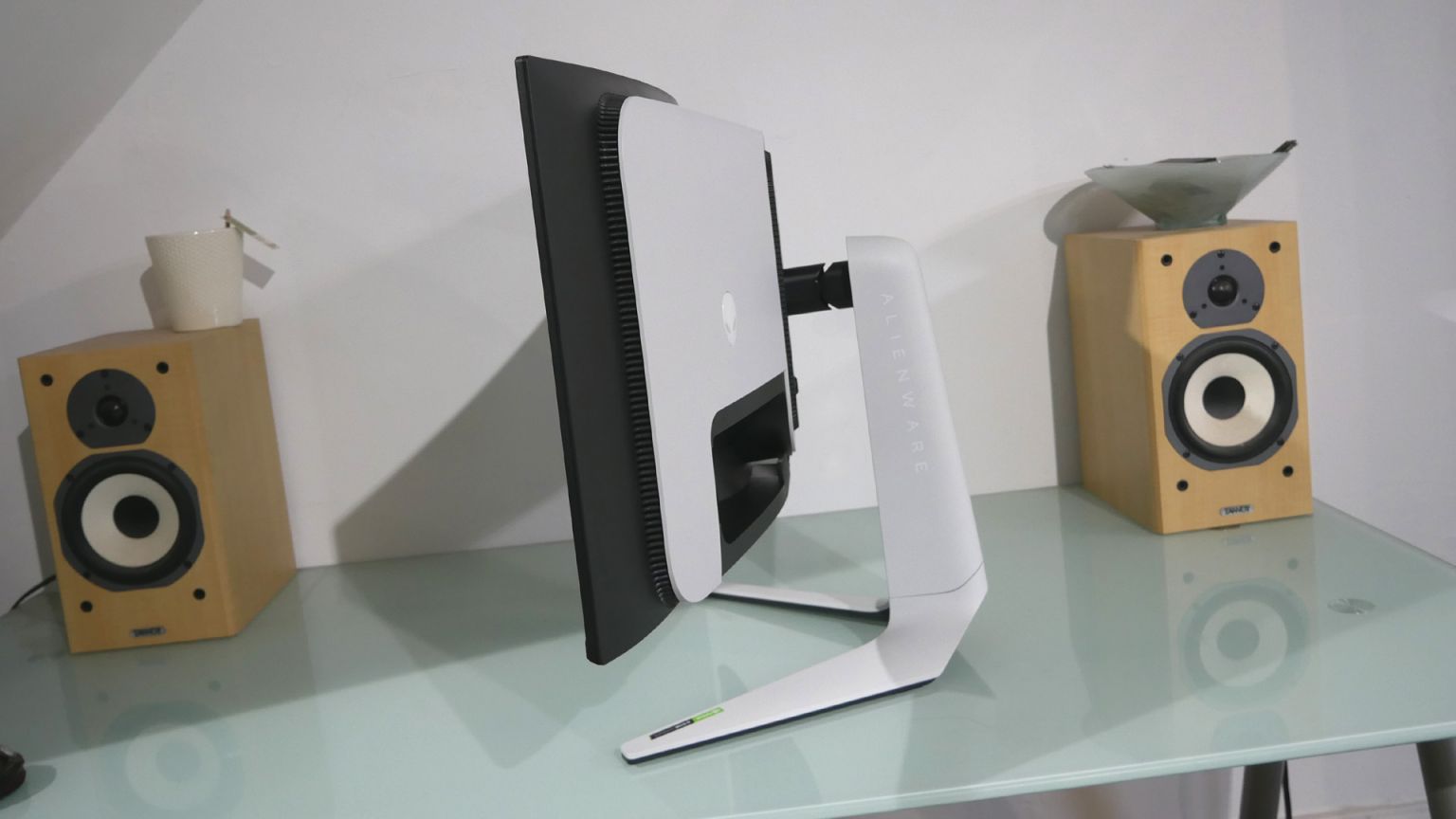
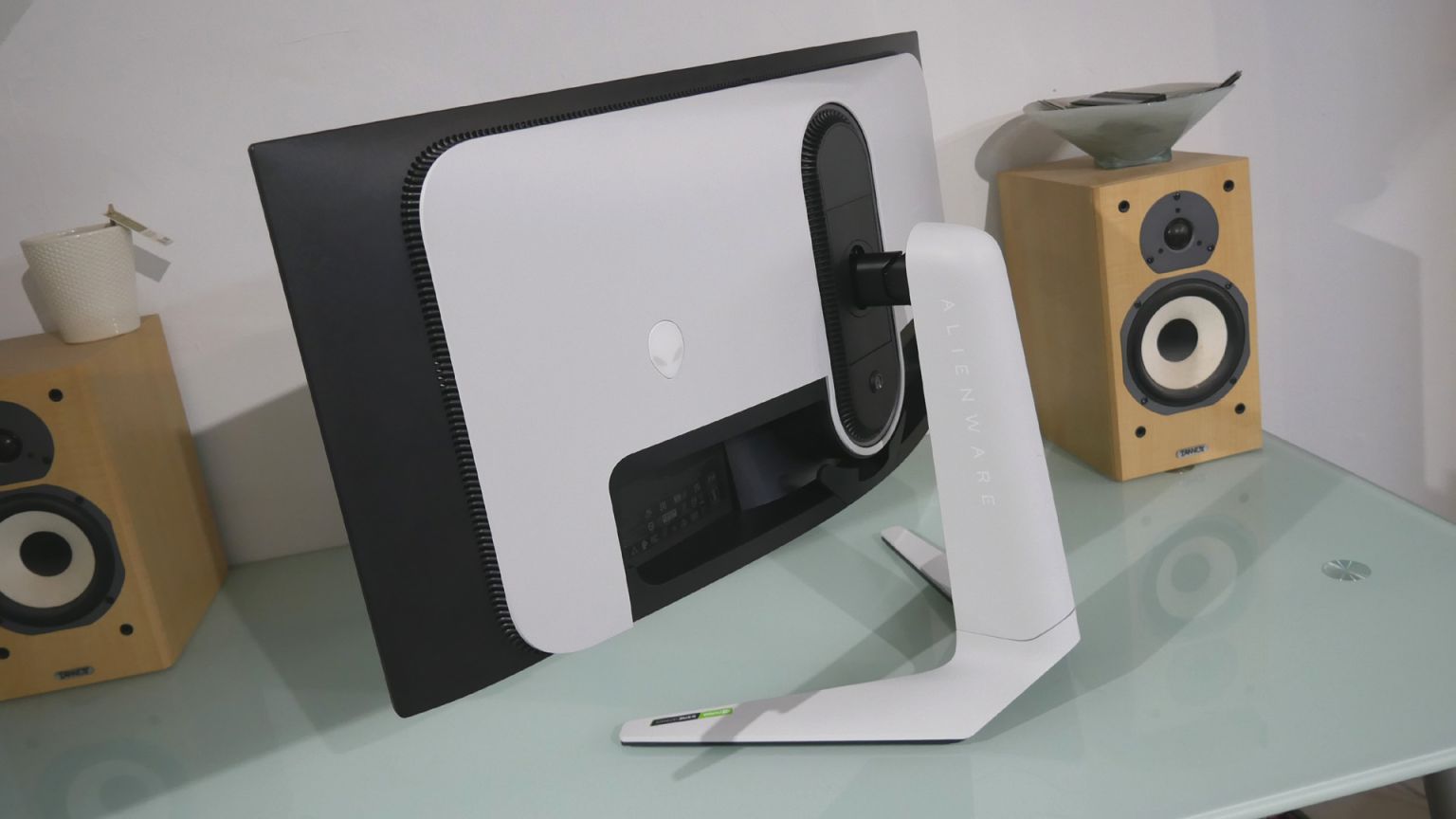
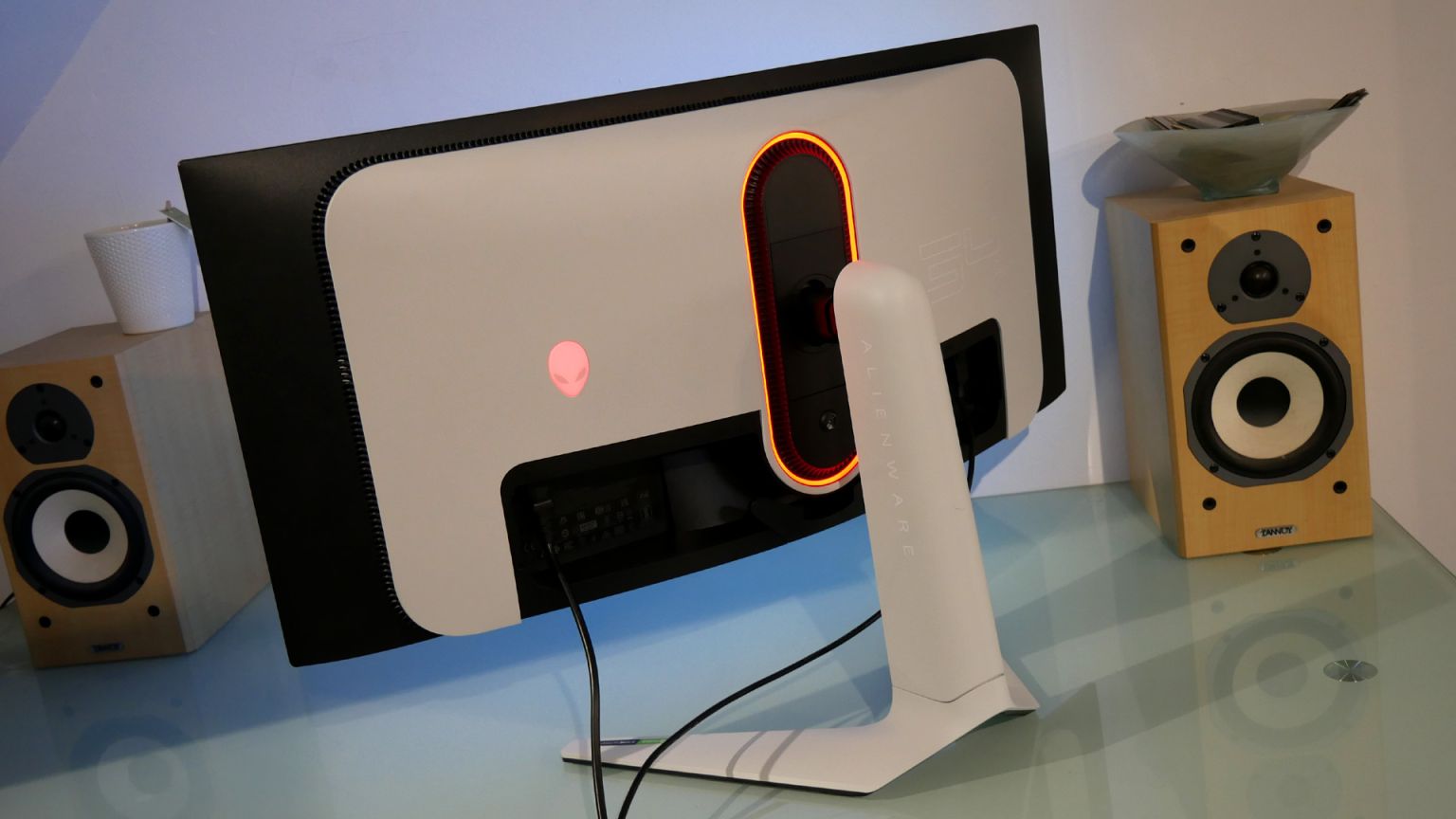
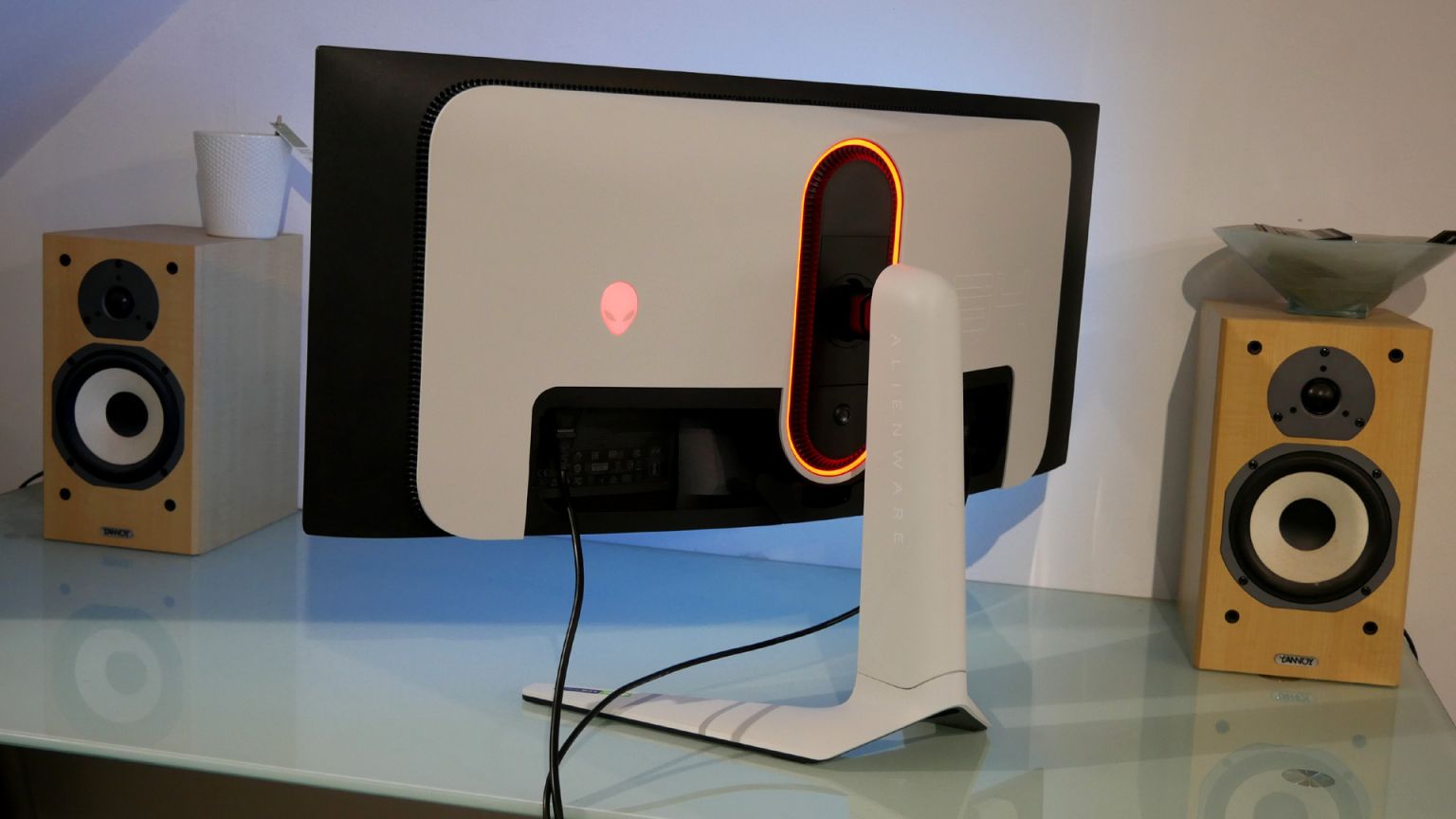
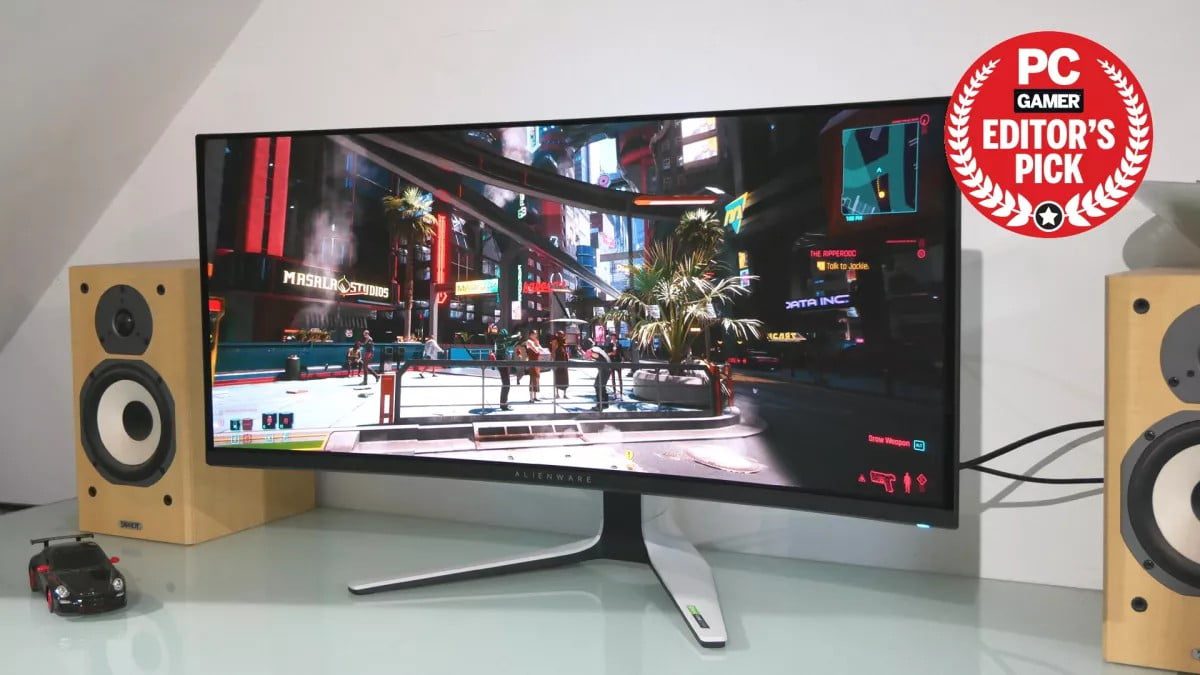
Is this where it all begins? Is the new Alienware 34 AW3423DW QD-OLED the gaming monitor that sparks an OLED revolution on the PC? The one we’ve been waiting years for? Please, please, let it be so. As you’ll see, this monitor isn’t perfect. But it is dramatically better than any LCD-based monitor by several gaming-critical metrics. And it’s a genuine thrill to use. Of course, that’s getting ahead of ourselves. First, we need to cover off the basics. By many measures, this isn’t really a radical display. The 34-inch 21:9 proportions, the gentle 1800R curve and the 3,440 by 1,440 native resolution are all relatively routine in the current gaming monitor market. Ditto the 175Hz refresh rate. It’s no slouch, this new OLED panel, but there are LCD screens with much higher refresh rates available for far less cash. Ah yes, the sordid matter of money. The AW3423DW weighs in at $1,299 in the US (UK pricing hasn’t landed yet). Depending on how you slice it, that’s either a tonne of cash for a gaming monitor or surprisingly reasonable for something at the vanguard of new technology. After all, this is the first true PC gaming panel based on OLED technology. And not just any old OLED kit. Many OLED TVs, including the LG sets that have become so popular among gamers, use WRGB subpixel substructure to boost brightness at the cost of diluting colour saturation. WRGB can also be problematic for PC applications that assume an RGB subpixel structure for fine control of rendering, including for fonts. That problem isn’t really relevant for gaming. But the bottom line is that WRGB OLED panels come with downsides. That’s why this new Alienware is doubly exciting. Not only is it OLED, it’s also Samsung’s hot new QD-LED tech, which combines the ideal RGB subpixel structure with quantum dot technology to produce both excellent colour saturation and an even brighter panel. Net result? Alienware is claiming both an impressive 99.3 percent coverage of the demanding DCI-P3 colour space and fully 1,000 nits brightness, albeit that brightness level can only be achieved on a small portion of the panel, not across the entire screen. Common to all OLED tech are two critical advantages over any LCD panel, namely contrast and response. Put simply, every pixel in an OLED panel is its own light source, which can be turned completely off, essentially delivering ‘true’ black levels and more or less infinite contrast. There’s no need for any of that complicated, problematic local dimming to stop the light from leaking through an LCD panel. OLED is the real HDR deal. OLED is also far faster than LCD. By how much depends on how you measure things. The fastest current IPS monitors are quoted at around 1ms for grey-to-grey response. But that only measures part of the transition between colours. The full change takes much longer. By comparison, Alienware is quoting this OLED panel at 0.1ms. And that’s likely for the full transition. It’s at least an order of magnitude faster.ALIENWARE 34 AW3423DW SPECS
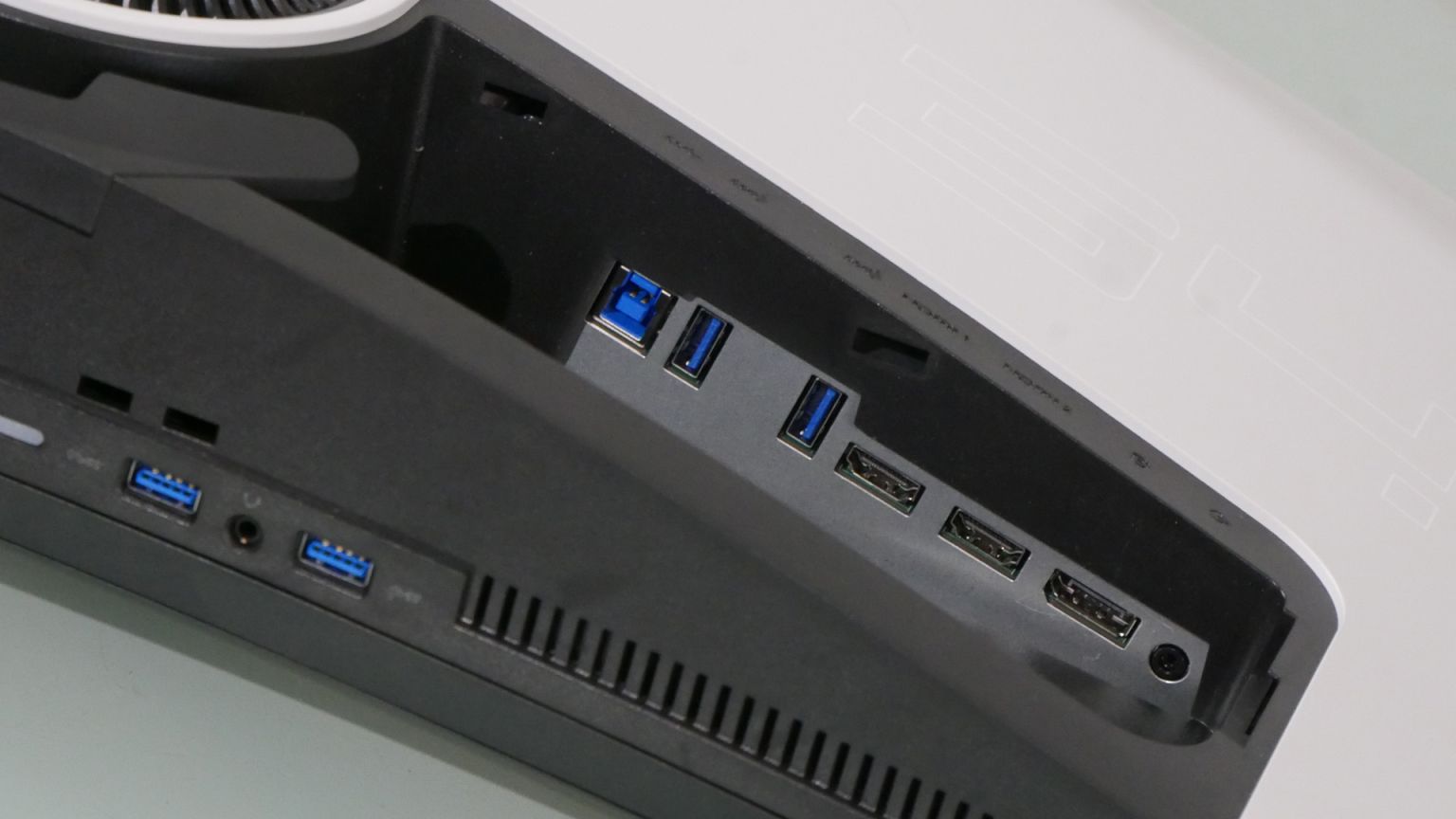
Screen size: 34-inch Resolution: 3,440 x 1,440 Brightness: 1,000 nits peak HDR Response time: 0.1ms Refresh rate: 175Hz Viewing angle: 178° H&V Contrast ratio: 1,000,000:1 Features: QD OLED panel, 99.3% DCI-P3, Nvidia G-Sync Ultimate, 1x DisplayPort 1.4, 2x HDMI 2.0, USB hub, AlienFX lighting Price: $1,299 | £TBA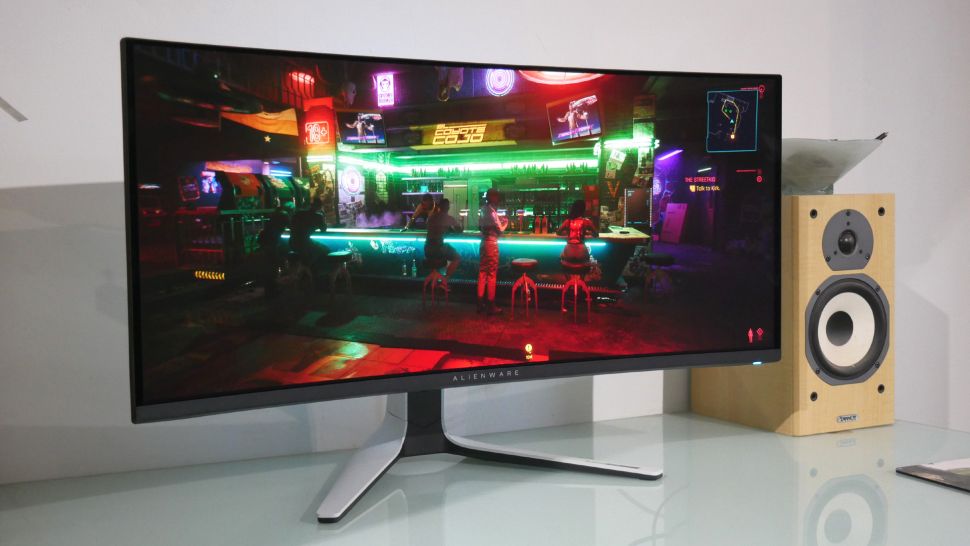 Anyway, if that’s a quick refresher as to why this thing promises to be so good, what is it actually like? First impressions are actually disappointing. Fired up in SDR mode, the Alienware 34 AW3423DW QD-OLED looks a little dull and dingy. What happened to that 1,000 nits claim? Then there’s the mediocre pixel density that comes as a consequence of the combination of 34-inch diagonal and 3,440 by 1,440 native resolution. Oh the horror, is this thing a dud?
Don’t panic. Unlike LCD monitors with claimed HDR capability, this OLED screen needs to be in HDR mode to do its thing. And that applies to SDR content, too. Alienware has provided two HDR modes, HDR 400 True Black and HDR Peak 1000. The latter enables that maximum 1,000 nit performance in small areas of the panel but actually looks less vibrant and punchy most of the time.
Instead, it’s the HDR 400 True Black mode that generally gives the best results. That includes SDR content. For SDR content to look its best, you have to jump into the Windows Display Settings menu and crank the SDR brightness up, after which it’s much more zingy all around. That’s actually handy because it means that once you have the AW3423DW set up properly, you’re all done. There’s no need to switch modes for SDR and HDR content.
But let’s get back to gaming. Boy, this is a special display. In response terms, it’s incredible. No matter how violently you tear your mouse across the mat, everything on-screen stays so crisp and clear and sharp. That incredible in-game response is backed up by test animations like TestUFO. We’ve never seen the little alien spacecraft look so blur-free.
Anyway, if that’s a quick refresher as to why this thing promises to be so good, what is it actually like? First impressions are actually disappointing. Fired up in SDR mode, the Alienware 34 AW3423DW QD-OLED looks a little dull and dingy. What happened to that 1,000 nits claim? Then there’s the mediocre pixel density that comes as a consequence of the combination of 34-inch diagonal and 3,440 by 1,440 native resolution. Oh the horror, is this thing a dud?
Don’t panic. Unlike LCD monitors with claimed HDR capability, this OLED screen needs to be in HDR mode to do its thing. And that applies to SDR content, too. Alienware has provided two HDR modes, HDR 400 True Black and HDR Peak 1000. The latter enables that maximum 1,000 nit performance in small areas of the panel but actually looks less vibrant and punchy most of the time.
Instead, it’s the HDR 400 True Black mode that generally gives the best results. That includes SDR content. For SDR content to look its best, you have to jump into the Windows Display Settings menu and crank the SDR brightness up, after which it’s much more zingy all around. That’s actually handy because it means that once you have the AW3423DW set up properly, you’re all done. There’s no need to switch modes for SDR and HDR content.
But let’s get back to gaming. Boy, this is a special display. In response terms, it’s incredible. No matter how violently you tear your mouse across the mat, everything on-screen stays so crisp and clear and sharp. That incredible in-game response is backed up by test animations like TestUFO. We’ve never seen the little alien spacecraft look so blur-free.
 Comparison of the blur-free UFO on the Alienware AW3423DW versus a standard IPS panel.