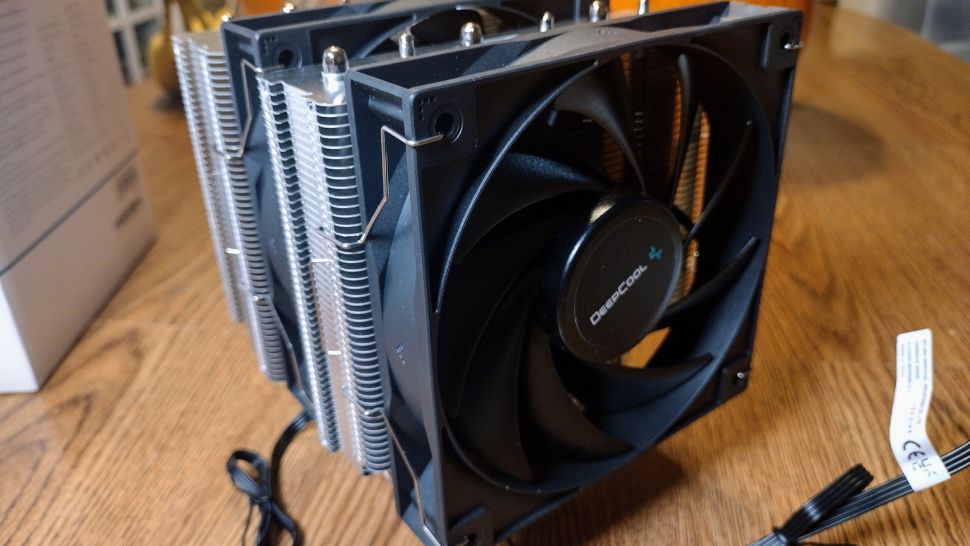
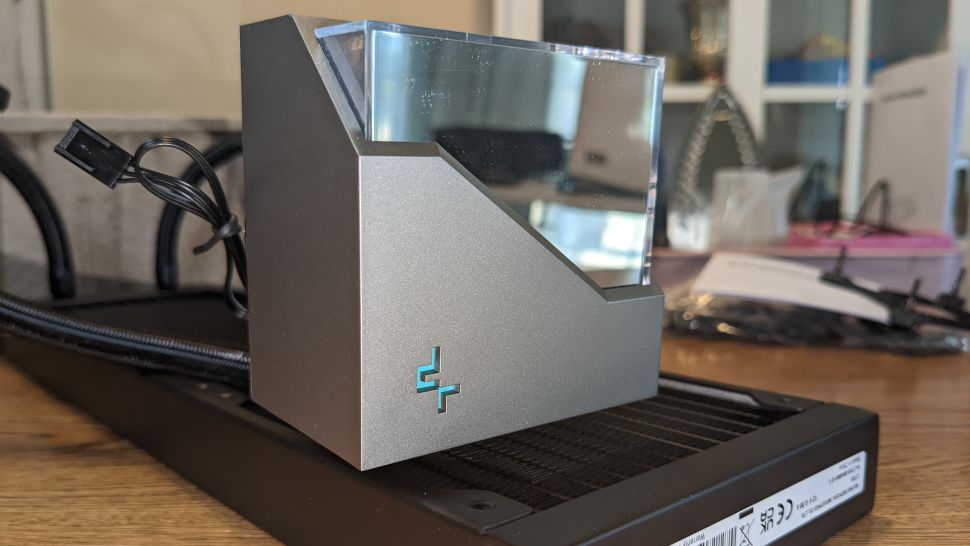
We’ll also be testing DeepCool’s recently released LT720 360mm AIO liquid cooler to see how top-tier liquid cooling will impact Raptor Lake. The LT Series is the successor to the LS series of AIOs, which were strong coolers when paired with Intel’s 12900K.
Testing Methodology
While in the past a CPU hitting its peak temperature was cause for concern, enthusiasts are going to have to learn to accept high temperatures as “normal” while running demanding workloads with Raptor Lake and Ryzen 7000 CPUs.
Modern AMD & Intel CPUs are designed to run fairly hot without any problems – up to 95 degrees Celsius for AMD Ryzen 7000 CPUs, and up to 100 degrees C for Intel Raptor Lake CPUs. Similar behavior has been standard in laptops for years due to cooling limitations.
Furthermore, Intel’s i9-13900K supports Adaptive Boost Technology (ABT), which allows Core i9 processors to dynamically boost to higher all-core frequencies based upon available thermal headroom and electrical conditions. This allows multi-core loads to operate at up to 5.5ghz if the necessary amount of thermal dissipation is there. This feature works in a way that actively seeks high temperatures: If the chip sees that it is running below the 100-degree C threshold, it will increase its performance and power consumption until it reaches the safe 100C limit, thus sustaining higher clocks (and providing better performance) for longer periods.
While it was fairly easy with previous generations of CPUs for coolers to keep the processor well under TJ max (the maximum temperature a CPU can sustain without throttling) in demanding workloads, this is no longer realistically possible on current generation CPUs without extreme cooling (or enabling power limits).
When I began testing coolers on Intel’s i9-12900K, I found that many products that cooled the i9-10900K well now struggled in some scenarios when paired with the Alder Lake CPU – and Raptor Lake is even more difficult to cool in these situations.
The increased cooling challenges posed by Raptor Lake mean that we’ve had to change some of the ways we test. Some coolers were able to pass Cinebench R23 multicore testing with Intel’s 12th Gen i9-12900K when power limits were removed, although only the strongest models were able to pass that test. Most liquid coolers and
all air coolers I’ve tested “failed” that test because the CPU reached TJ max (the highest temperature before throttling) in this scenario.
With Raptor Lake’s 13900K, not a single cooler tested has been able to keep the CPU under TJ max in this test. And as we stated above, that’s because the Raptor Lake flagship is designed to dial up power
until it hits that temperature. We’ll compare performance instead by comparing total benchmark scores and clock speeds maintained.
I’ll be testing Intel’s i9-13900K CPU using Asus’ TUF Gaming Z690 Gaming Plus WIFI motherboard and
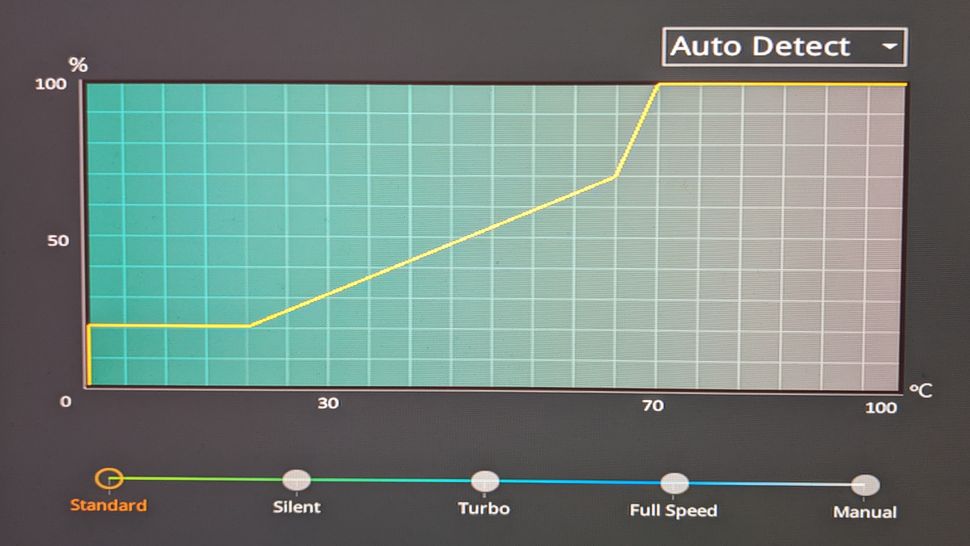
Cooler Master’s HAF 700 Berserker computer case, with case fans limited to 35% speeds. The motherboard’s default fan curve is used for the CPU Cooler’s fans.
In addition to testing Cinebench without power limits enforced, we’ll also be showing results when the CPU’s power consumption is limited to a more reasonable 200W. We’ll also show results at 125W for those who prefer whisper-quiet cooling, at the cost of some performance. For both of these results, we’ll show traditional delta over ambient temperature results.
LGA1700 Socket Bending
Please note there are many factors other than the CPU cooler that can influence your cooling performance, including the case you use and the fans installed in it. A system's motherboard can also influence this, especially if it
suffers from bending, which results in poor cooler contact with the CPU.
In order to prevent bending from impacting our cooling results, we’ve installed Thermalright’s LGA 1700 contact frame into our testing rig. This means that if your motherboard is affected by bending, your thermal results will be worse than those shown below. Not all motherboards are affected equally by this issue. I tested Raptor Lake CPUs in two motherboards. And while one of them showed significant thermal improvements after installing Thermalright’s LGA1700 contact frame, the other motherboard showed no difference in temperatures whatsoever!


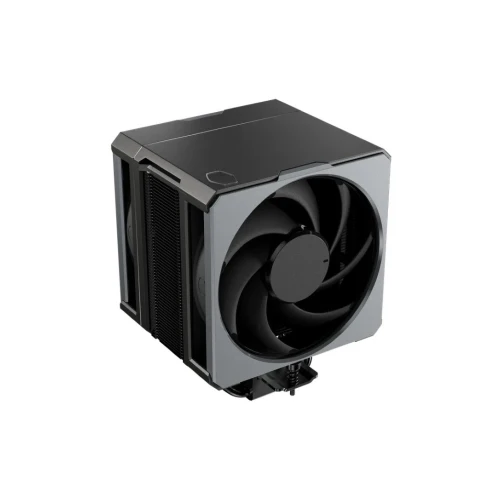
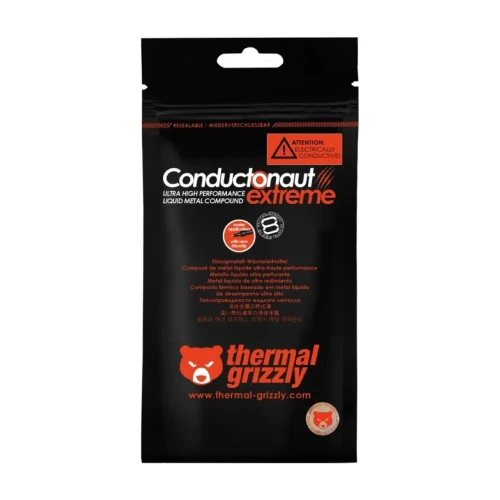
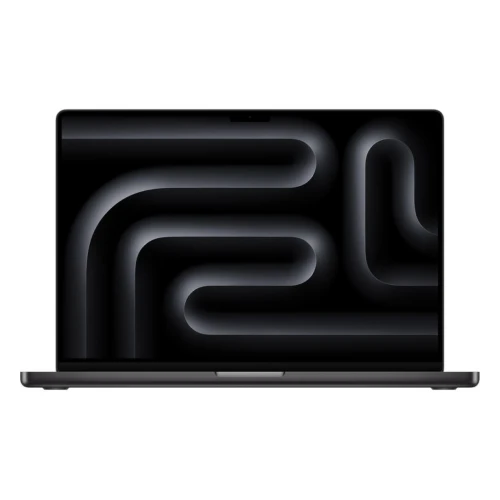
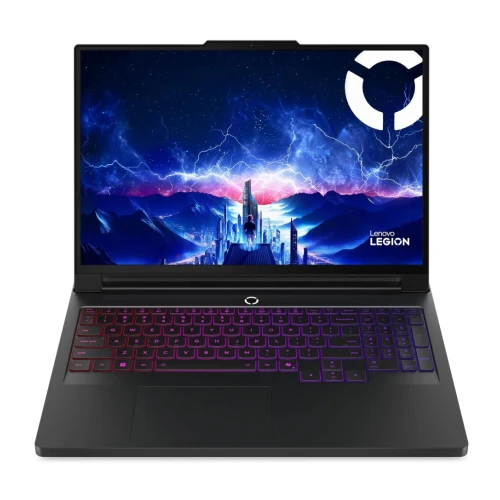




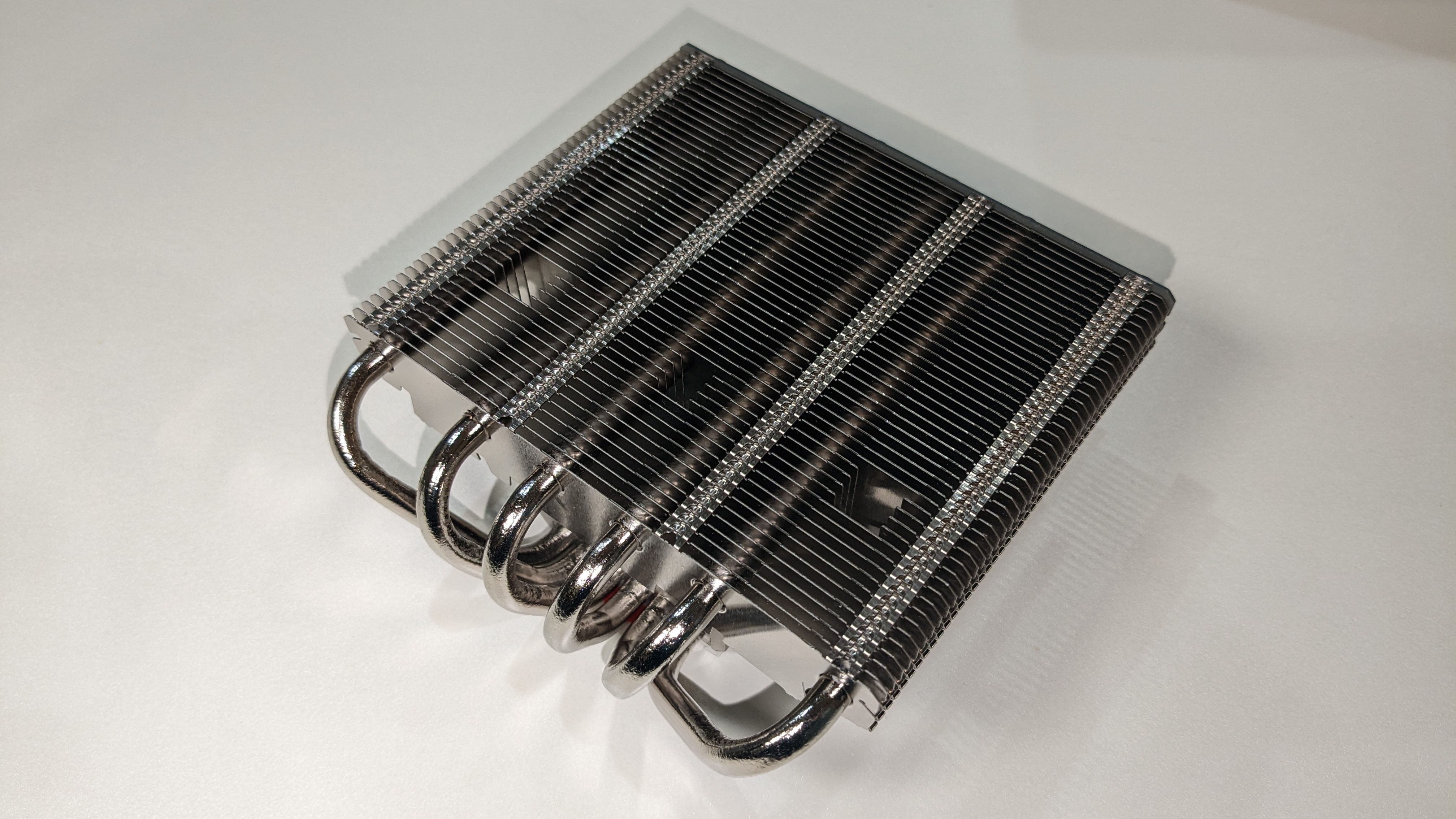
 When Intel launched its 12th generation Alder Lake CPUs, the Core i9-12900K presented a challenge to cool in some scenarios, due to the increased thermal density of the Intel 7 manufacturing process. But with the launch of Raptor Lake and the Core i9-13900K specifically, Intel has raised both the core count and clock speeds of its latest flagship processor. As a result, when power limits are removed, it can consume over 330W while running Cinebench R23 – nearly 100W higher power consumption than the i9-12900K – and that’s not easy to cool.
We’ll be looking at Intel’s Core i9-13900K below, and what it takes to cool it. Intel recommends that you use a 240mm AIO cooler or greater (or air equivalent) for the Core i9-13900K. While we expect most enthusiasts will pair an i9 CPU with high-end air or liquid cooling, we’ll also be testing with more basic air coolers to see what can be gained or lost with different levels of cooling.
When Intel launched its 12th generation Alder Lake CPUs, the Core i9-12900K presented a challenge to cool in some scenarios, due to the increased thermal density of the Intel 7 manufacturing process. But with the launch of Raptor Lake and the Core i9-13900K specifically, Intel has raised both the core count and clock speeds of its latest flagship processor. As a result, when power limits are removed, it can consume over 330W while running Cinebench R23 – nearly 100W higher power consumption than the i9-12900K – and that’s not easy to cool.
We’ll be looking at Intel’s Core i9-13900K below, and what it takes to cool it. Intel recommends that you use a 240mm AIO cooler or greater (or air equivalent) for the Core i9-13900K. While we expect most enthusiasts will pair an i9 CPU with high-end air or liquid cooling, we’ll also be testing with more basic air coolers to see what can be gained or lost with different levels of cooling.
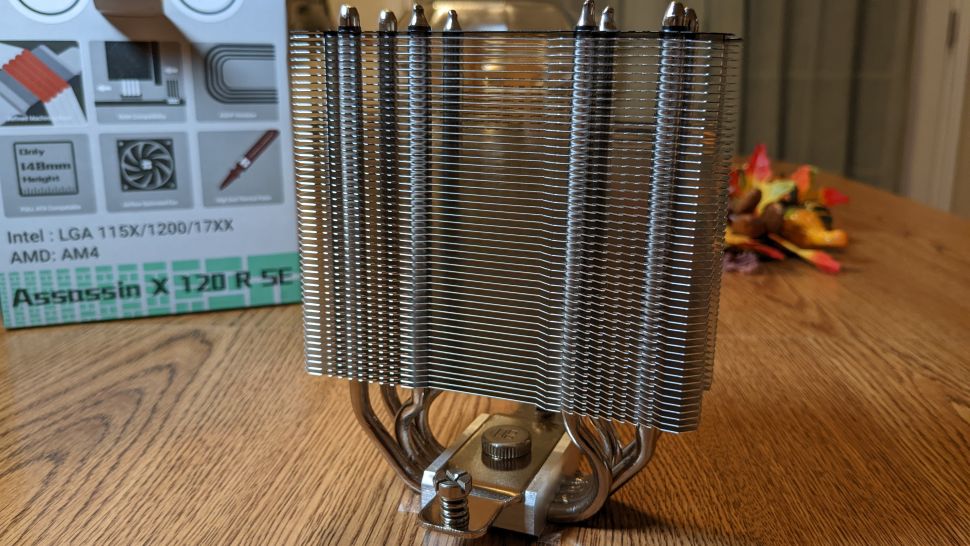
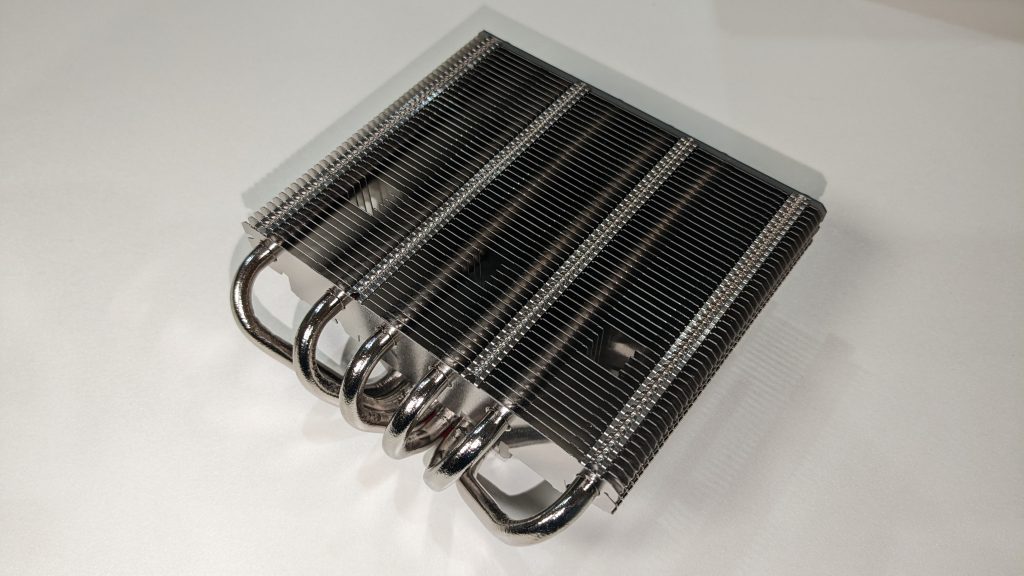 We’ll also be testing Thermalright’s Assassin X 120 R SE to show more typical low-end cooler results. This is an entry-level, single-tower air cooler that can be found for around $20.
 To give an idea of how higher-end air coolers will perform with the i9-13900K, we’re testing DeepCool’s AG620, a dual-tower air cooler which is a slightly modified version of the previously reviewed AK620