


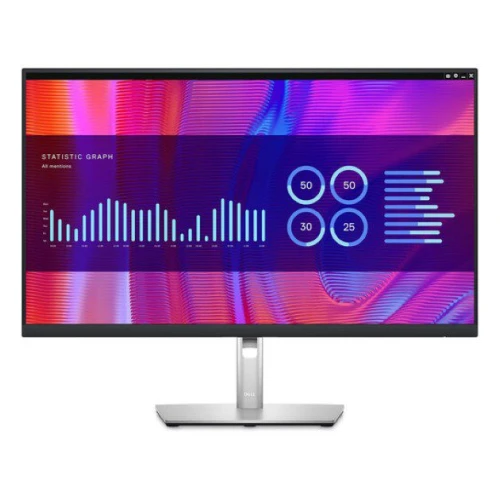

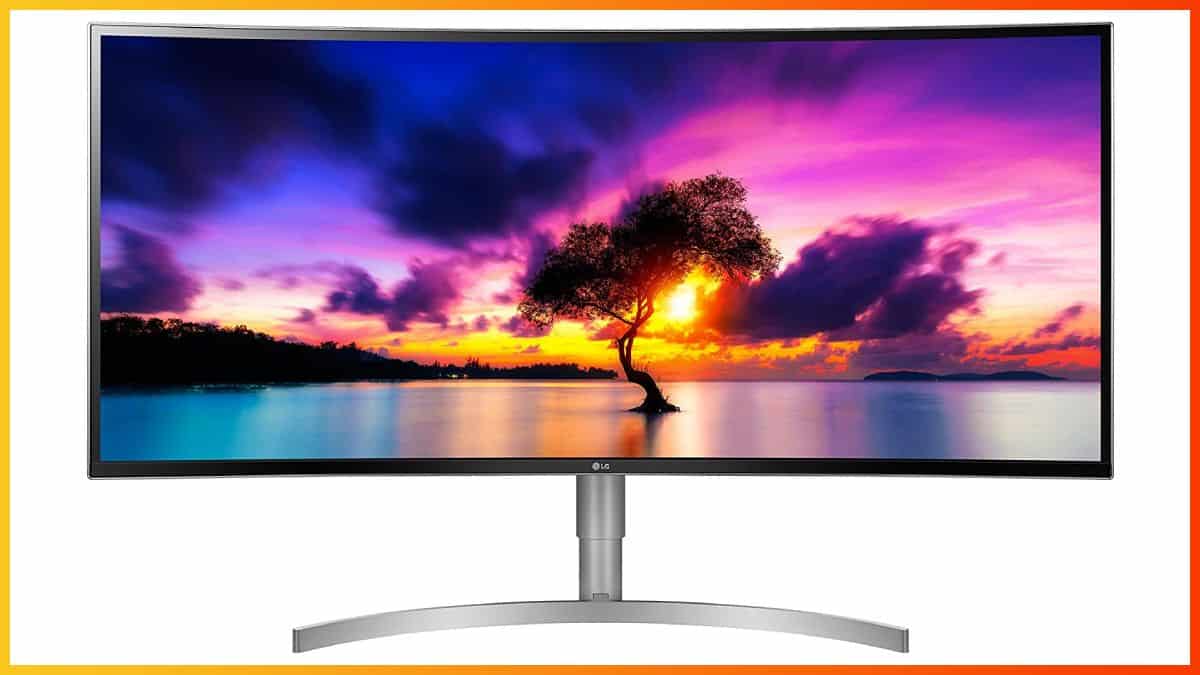
 In case you find the 34″ ultrawide displays too small and the 32:9 ‘super’ ultra-wide monitors too wide, a 38″ 3840×1600 screen such as the LG 38WK95C may be the ideal middle ground you have been looking for.
Image Quality
The LG 38WK95C-W features UWQHD+ screen resolution with 3840×1600 pixels; on its 37.5″ viewable screen, which results in a pixel-per-inch ratio of 110.93 PPI. That’s roughly the same pixel density as 3440×1440 on 34″ and 2560×1440 on 27,” which is considered as the sweet spot. Basically, you get plenty of screen space, while details are sharp and vivid. What’s more, you don’t have to apply any scaling. The monitor is based on an IPS panel with 10-bit color support (8-bit + 2-bit FRC, 1.07 billion colors) with 99% sRGB color gamut, wide 178-degree viewing angles, a decent 300-nit peak brightness, and a static contrast ratio of 1,000:1. Now, while there are monitors at this price range that offer a wider color gamut and higher peak brightness/contrast ratio, they do not offer the cinematic viewing experience the 21:9 ultrawide aspect ratio of the LG 38WK95C monitor does. The extra horizontal screen space doesn’t only make productivity work and content creation (audio/video editing) a lot easier, it also makes movies and video games significantly more immersive. In compatible video games, you get a wider field of view while movies look better as they are played at an aspect ratio that’s closer to their native format (2.35:1).Performance
Features

Design & Connectivity

Price & Similar Monitors
The LG 38WK95C price amounts to around $1,050. It’s also available as the LG 38BK95C-W, which is the same monitor, but a business model with an extended 3-year warranty, whereas the 38WK95C is a consumer version with a 1-year warranty. If you don’t need USB-C, FreeSync and built-in speakers, you can save $150 by going with the LG 38WN75C model. For gaming, we highly recommend investing $400 more for the Dell Alienware AW3821DW with a dedicated G-SYNC module, a 144Hz refresh rate and better HDR support with DisplayHDR 600 certification. Alternatively, consider the LG 38WN95C model with a 144Hz refresh rate, FreeSync, DisplayHDR 600 and Thunderbolt 3 with 94W Power Delivery, though it’s a bit more expensive at ~$1,600. Be sure to visit our best ultrawide monitor buyer’s guide for more options and information.Conclusion
While the 38″ IPS ultrawide monitors are quite expensive, they offer an immersive viewing experience with accurate colors and fast response time. If you don’t need a high refresh rate, LG’s 38WK95C and 38WN75C are the most cost-efficient models available.Specifications
| Screen Size | 37.5-inch |
| Screen Curvature | 2300R |
| Resolution | 3840×1600 (UWQHD+) |
| Panel Type | IPS |
| Aspect Ratio | 21:9 (UltraWide) |
| Refresh Rate | 60Hz (75Hz) |
| Response Time | 5ms (GtG) |
| Adaptive Sync | FreeSync (52Hz-75Hz) |
| Speakers | 2x10W Bluetooth |
| Ports | DisplayPort 1.2, 2x HDMI 2.0, USB-C (60W PD) |
| Other Ports | 2x USB 3.0, Headphone Jack |
| Brightness | 300 cd/m2 |
| Contrast Ratio | 1000:1 (static) |
| Colors | 1.07 billion (8-bit + FRC) |
| VESA | Yes (100x100mm) |
| HDR | HDR10 |
The Pros:
- Vibrant colors and clear details
- Rich connectivity options including USB-C and Bluetooth speakers
- Plenty of features including FreeSync
- Height-adjustable stand
The Cons:
- Narrow FreeSync range
- IPS glow and mediocre contrast ratio (as expected from this panel technology)